Astropad Workbench Aims AI-First Remote Desktop at Teams, Not IT
You need remote desktop tools that move as fast as your AI pipelines. Astropad Workbench remote desktop enters with a simple pitch: let AI agents and humans share GPU-rich machines without the clumsy overhead of legacy IT support stacks. The product promises GPU-aware session routing, strict policy guardrails, and a UI that keeps operators in control. That matters right now because AI workloads jump between cloud and on-prem gear, and tired remote viewers choke when you push video or large tensors. Can a tool built by the makers of Luna Display tame that chaos?
Quick Signals
- GPU-aware dispatch tries to land each session on the right box without manual juggling.
- Policy controls target data loss prevention so AI agents do not roam freely.
- Low-latency codec aims to keep 60 fps even on noisy Wi-Fi.
- Integrations lean on standard identity providers instead of proprietary auth.
How Astropad Workbench remote desktop flips control
Most remote desktop suites grew up serving help desks. Workbench targets engineers who care about GPU time, data boundaries, and letting bots run side by side with people. It routes sessions based on GPU availability and policy tags, so a vision model lands on a 4090 while a code agent stays on a CPU host. The company says the same client UI handles both human and autonomous sessions. That cuts context switching, which is often the silent tax in fast-moving teams.
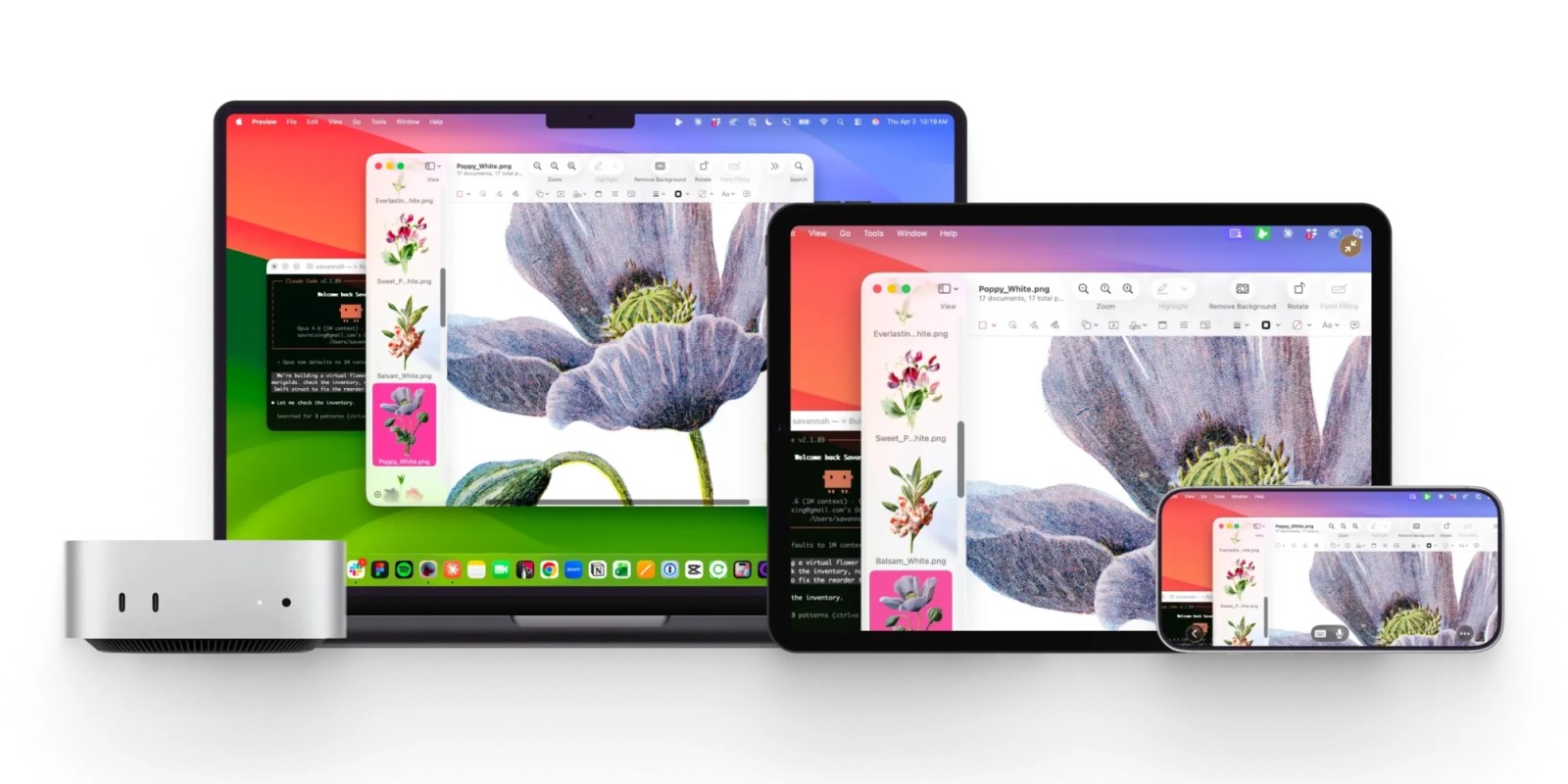
Astropad frames Workbench as a remote desktop built for AI agents and the people who supervise them, not for password resets.
Latency is the real villain.
Their codec choice favors 60 fps with HDR when hardware allows, but still downshifts gracefully. That matters because model visualization and live debugging need smooth motion. Imagine a point guard reading the floor; every extra frame of delay means a missed pass. The analogy holds: your model testers cannot afford stutter when tracing gradients or camera feeds.
Astropad Workbench remote desktop playbook
I see three practical moves if you are considering this tool. First, map your fleet. You should tag which hosts can expose GPUs, which can touch production data, and which are safe for AI agents. Second, test the client on flaky networks. The vendor talks up resilience, but your coffee shop VPN will tell the truth. Third, enforce policy via your identity provider (Okta or similar) so Workbench inherits roles instead of inventing its own.
- Define host pools by GPU class, storage sensitivity, and agent permission.
- Set routing rules that block AI agents from production datasets by default.
- Run load tests with concurrent human and agent sessions to see where codec tuning breaks.
Where it could stumble
Astropad is competing with big stacks like Teradici and Chrome Remote Desktop. Those incumbents are boring but proven. Workbench must show that its GPU-aware scheduler and policy model stay stable under heavy mixed loads. And how will pricing shake out once teams attach a dozen high-end GPUs?
Evidence and gaps
The launch materials lean on performance claims without broad third-party validation. I want to see benchmarks across diverse ISPs and latency profiles. I also want clarity on how AI agents authenticate when running headless, and what audit trails look like. Until then, cautious rollout makes sense.
Here is the thing: remote desktop for AI is a moving target, and the winner will blend speed, guardrails, and sane billing. Will Workbench keep pace with the next wave of models?
What comes next
If you adopt it, pilot on a small GPU pool and measure actual frame rates, reconnection behavior, and policy drift. Share the results with your security team early. The next few months will show whether Astropad Workbench remote desktop becomes a staple tool or just a niche option.


