Best Apps and Gadgets for Reading
Finding the best apps and gadgets for reading is harder than it should be. You want fewer distractions, better comfort, and a setup that fits how you read now, not how you read five years ago. That matters more today because screens keep fighting for your attention, and a bad reading setup can turn a good book into a chore. The right app can clean up your library. The right device can make long sessions easier on your eyes. And the wrong combo? It can make you stop halfway through a chapter. What should you actually buy, install, or ignore? Let’s sort the useful tools from the shiny junk.
What matters most in the best apps and gadgets for reading
- Display comfort: E Ink and warm lighting reduce strain during long sessions.
- Library control: Good apps make it easy to sort, search, and sync your books.
- Note-taking: Strong annotation tools help if you read for work or study.
- Battery life: A good reader should last for days, not hours.
- Distraction control: Fewer alerts means more actual reading.
Best apps and gadgets for reading if you want less friction
If you read across phones, tablets, and dedicated devices, your biggest problem is friction. Every extra tap, login, or sync error chips away at the habit. The best reading tools remove that friction fast.
My rule is simple. If a reading app makes you spend more time managing books than reading them, it is failing you.
Reading apps that keep your library sane
For ebooks, apps like Kindle, Apple Books, and Kobo handle the basics well. Kindle wins on sheer catalog size and cross-device sync. Apple Books is clean and easy if you live inside the Apple ecosystem. Kobo is a strong pick if you want a more library-friendly approach and support for wider file types.
Look for these features first:
- Fast search across titles and notes.
- Offline reading with reliable syncing.
- Custom font, margin, and brightness controls.
- Highlight export or annotation tools.
If you read research or long articles, apps like Pocket and Instapaper still make sense. Pocket is better for quick saving and discovery. Instapaper is still excellent for stripped-down reading, which is what you want when your brain is already tired.
Gadgets that make reading easier on your eyes
A dedicated e-reader is still the smartest buy for most people. Why? Because it does one job well. A Kindle Paperwhite or Kobo Libra Color gives you E Ink, long battery life, and a screen that feels closer to paper than a phone ever will. That matters on a train, in bed, or anywhere you read for more than 20 minutes.
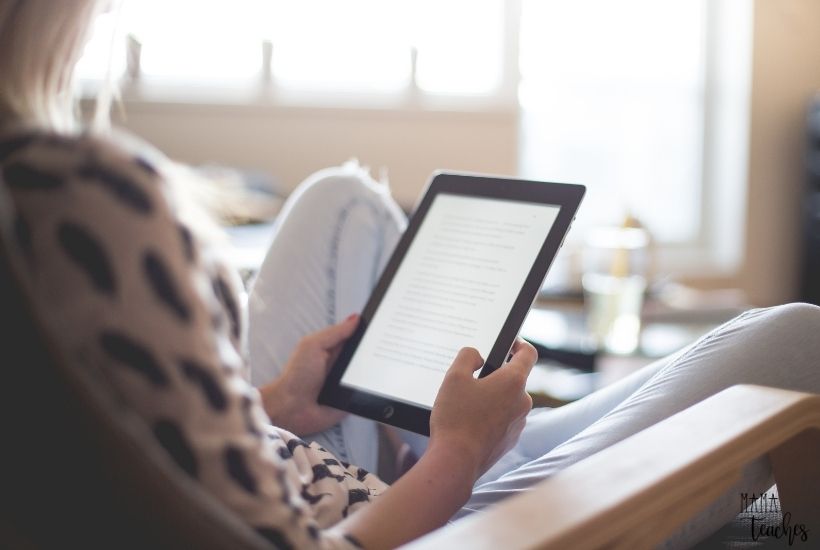
Tablets are better if you read comics, PDFs, or books with heavy formatting. The iPad and similar slates offer sharper color and better app support, but they also bring distractions. That is the trade-off. A bit like cooking in a restaurant kitchen versus a home kitchen, the tablet gives you more tools, but it also gives you more things to touch.
How to choose the best apps and gadgets for reading for your habits
Start with the format you read most. If you mostly read novels, choose an E Ink device and one strong library app. If you read PDFs, magazines, or technical books, prioritize a tablet or laptop app with better layout handling.
Then think about your weak spot. Do you lose books in a messy library? Choose an app with tags and collections. Do you stop reading because your phone keeps lighting up? Move to a dedicated reader. Do you annotate heavily? Pick a tool with better notes and export options.
Match the device to the job.
That sounds obvious, but people get it wrong all the time. They buy a tablet for fiction, then wonder why they keep checking Slack. They buy a bare-bones e-reader, then complain it is useless for coursework. The right setup is usually smaller than you think and more focused than the marketing claims suggest.
Reading setup tips that actually help
Good tools matter, but habits matter too. Set your device to grayscale or warm light at night. Turn off app badges. Keep one primary reading app, not four. And archive finished books so your library stays usable.
One more thing. Use sync only where it helps. If you jump between devices all day, syncing is gold. If you read in one place, simple beats clever.
- For fiction: Kindle or Kobo plus an E Ink reader.
- For articles: Pocket or Instapaper on phone and desktop.
- For PDFs and textbooks: Tablet plus annotation-heavy reader app.
- For long sessions: E Ink, warm light, and notifications off.
What to skip
Skip apps that bury basic controls behind too many menus. Skip gadgets that promise a “smart” reading experience but add noise. And skip devices that are really just phones with a different name.
If a product cannot make reading feel easier within a few days, it is probably not the one. The best tools are quiet. They get out of your way.
Where reading tech is headed next
The next wave of reading gear will likely focus on better note sync, cleaner cross-platform libraries, and lighter screens. But the core problem will stay the same. You still need a setup that helps you read more and think less about the tool itself. That is the real test. Which app or gadget will you still like after the novelty fades?


