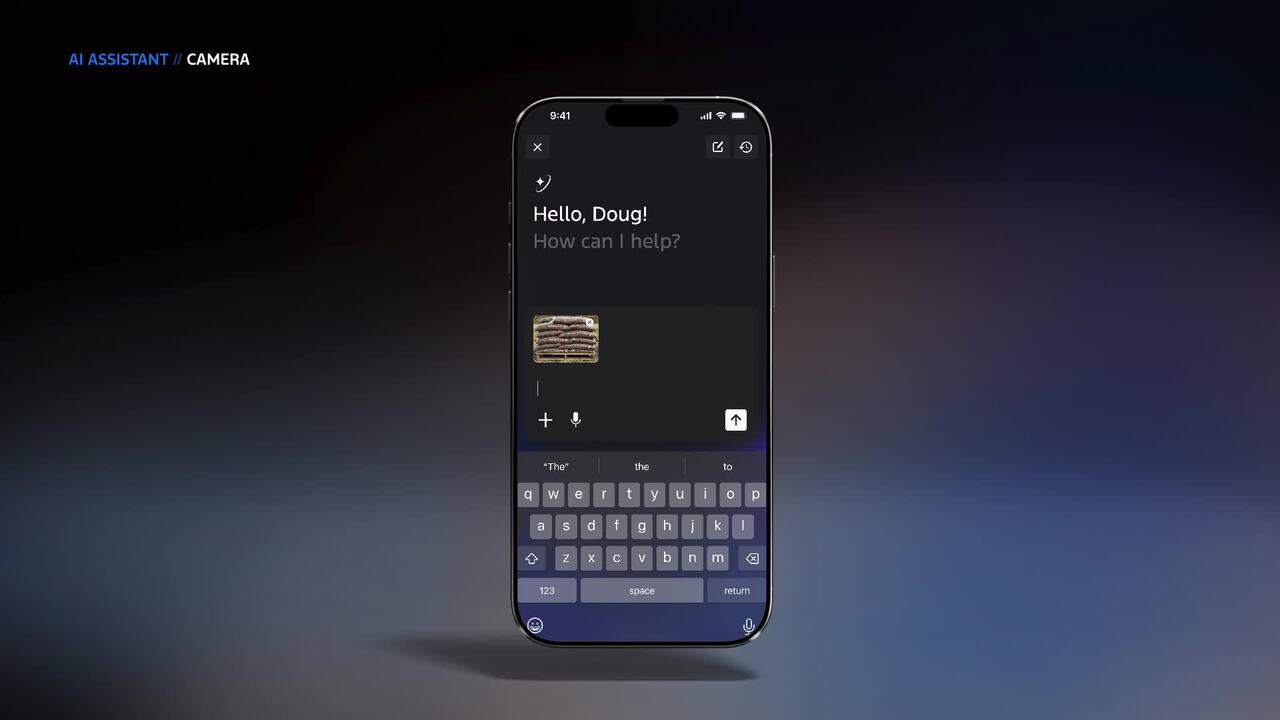
Ford AI Assistant in the Mobile App
Drivers already juggle charge status, service alerts, lock controls, and trip planning in separate screens. Ford’s Ford AI assistant aims to pull some of that into one chat-like layer inside the mobile app, and that matters now because car software is becoming part of the ownership experience, not an extra. If your vehicle app still feels like a remote control with a few buttons, this is the next step. The pitch is simple. Ask a question, get an answer, and skip the hunt through menus. But the real test is less about novelty and more about whether the assistant saves time without getting in your way. Nobody wants a car app that talks a lot and solves little. And yes, that happens often enough.
What stands out about Ford AI assistant
- It puts natural-language help inside the app you already use.
- It can reduce menu-hopping for routine ownership tasks.
- It could make the app feel more useful for new EV and software-heavy owners.
- It also raises trust questions about accuracy, limits, and support handoff.
Why Ford AI assistant matters now
Car apps have grown cluttered. You can check battery levels, start climate control, lock doors, and sometimes schedule service, but the interface often feels like a dashboard translated into phone form. The Ford AI assistant is a response to that mess. It tries to make the app behave more like a helper than a control panel.
That matters because vehicle owners are asking more complex questions. Can I charge to 80% before a trip? Why did my range drop in cold weather? Where is the nearest dealer that can handle this issue? A chat layer can make those requests easier to ask. The hard part is making the answers dependable.
“A good car assistant should save you from digging. A bad one just gives you a different place to get lost.”
How the Ford AI assistant could help
Look, the best use case is not flashy. It is ordinary stuff done faster. Think of it like a capable service advisor sitting next to you, except without the waiting room or the upsell.
- Quick vehicle questions. Ask about range, charge state, door status, or climate settings.
- Trip prep. Get guidance on charging stops or route-related basics before you leave.
- Ownership support. Find service options, maintenance details, or account help without digging through support pages.
- Fewer taps. That is the real prize. The app should feel lighter, not heavier.
But there is a line here. If the assistant starts sounding confident when it is guessing, users will stop trusting it fast. That is the part carmakers often miss. People can forgive a slow app. They do not forgive wrong answers about their car.
Ford AI assistant and the trust problem
Car software sits close to money, safety, and time. So any assistant that answers in plain language has to be right often enough to feel solid. Not perfect. Solid. That distinction matters.
Ford will need clear handoff points too. If the assistant cannot solve a problem, it should point to a human or a specific support flow quickly. Otherwise you get the chatbot loop, which is the digital version of being sent from one counter to another. Have you ever tried to get a clear answer from a support bot that only knows three scripts? Exactly.
What to watch next
- Whether the assistant handles real vehicle data or just generic help.
- How clearly it labels uncertain answers.
- Whether it works across gas, hybrid, and electric models.
- How much of the app stays accessible without talking to the AI layer.
What this says about the future of car apps
Ford is not alone here. Automakers are racing to make software feel less mechanical and more conversational. Some of that is useful. Some of it is just branding with a microphone on top.
The smartest version of this trend is narrow and practical. It helps you find facts, complete routine tasks, and move on. It does not pretend to replace the owner’s manual, service staff, or common sense. That is the standard Ford should hit.
And if the assistant becomes the first place you go for ownership help, Ford will need to earn that spot every day. The next move is simple. Make it answer fast, admit limits, and stay out of the way when the job is done. Why build another app feature that feels clever for a week and annoying for a year?


