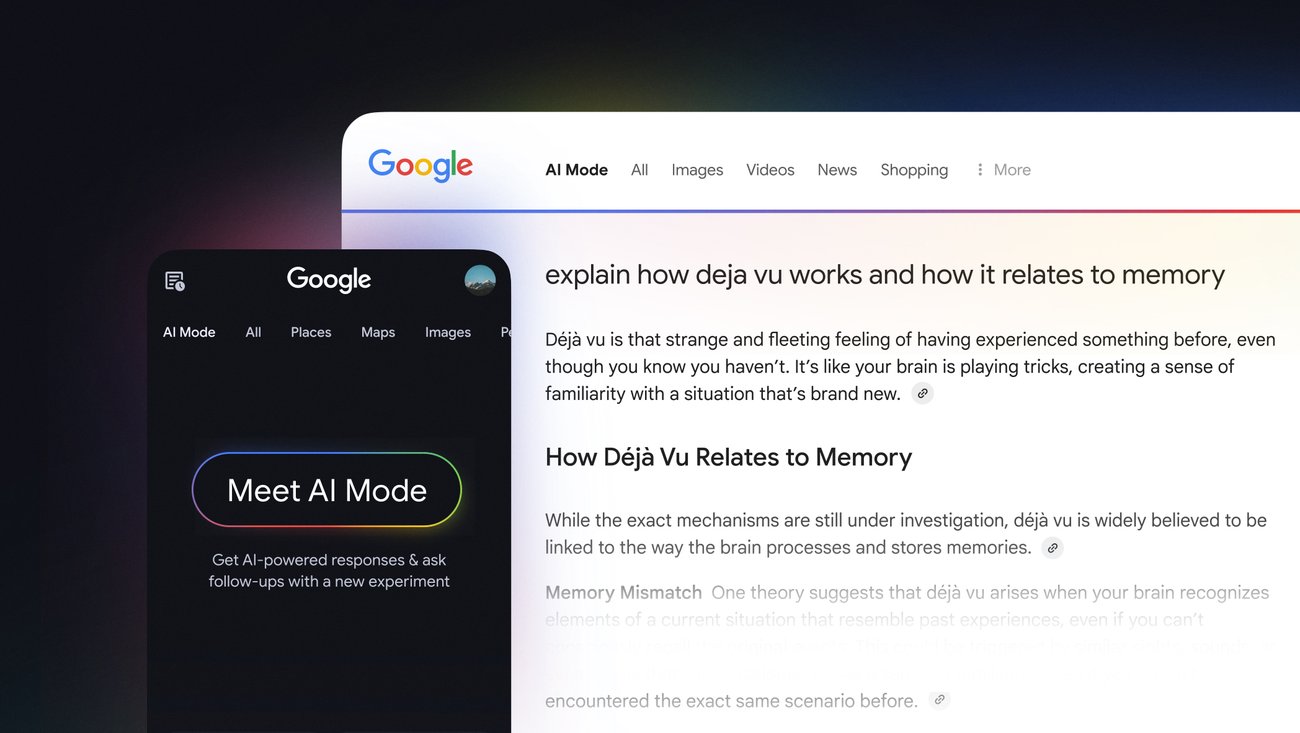
Google AI Mode Links Select Apps: What It Means
Google keeps pushing AI Mode closer to the center of search, and this latest move changes the feel of the product in a real way. If you have been waiting for AI Mode to do more than answer questions, the new ability to link and interact with select apps is the shift to watch. It matters because search is no longer just a place to find information. It is becoming a place to act on it. That sounds small. It is not.
For users, this could cut down on app switching and make common tasks faster. For Google, it is another step toward keeping people inside its own ecosystem. And for everyone else, it raises the same old question with a new edge. How much control do you want to hand to an assistant that sits between you and your apps?
What stands out in Google AI Mode
- Google AI Mode can now connect to select apps. That moves it from pure answer engine toward task helper.
- The feature reduces context switching. You may be able to act without bouncing between tabs and apps.
- Google is tightening the link between search and action. That is good for speed, but it also deepens platform lock-in.
- Permission and app support will decide the real value. A short app list means limited usefulness at first.
How Google AI Mode works with apps
Google has been inching toward an agent-style search product for a while. With this update, AI Mode is not only summarizing or suggesting. It can also interact with selected apps, which makes the feature feel closer to a command center than a search box.
That is the core change. You ask a question, AI Mode pulls together context, and then it can hand off part of the job to an app you have linked. Think of it like a kitchen pass in a busy restaurant. The chef still runs the line, but the order now moves straight to the station that can finish it.
For now, the phrase Google AI Mode matters more than the app list itself. Why? Because Google is setting the pattern. First come a few supported apps. Then come more workflows. Then comes the real test, which is whether people trust an assistant that can touch their services.
AI search is moving from “tell me” to “do this.” That is a bigger product change than it looks at first glance.
Why this matters for search behavior
Search used to end when the result page loaded. Now Google wants the search session to keep going until the task is done. That is a seismic shift in user behavior, even if the interface looks familiar.
This change also creates a new expectation. If you can ask AI Mode to connect to an app, users will start expecting search to handle more of the messy middle. Book the thing. Draft the thing. Open the right thing. Who wants to copy data between five screens if the assistant can do it for you?
And yet the gains will depend on trust. A useful assistant has to be fast, but it also has to be predictable. If the wrong app opens, or if permissions feel fuzzy, people will back away quickly.
What users should test first
- Check which apps are supported before you depend on the feature.
- Review permissions carefully. App linking is only useful if you understand what Google can access.
- Start with low-risk tasks, such as opening content or pulling basic information.
- Watch for friction in handoff. The less you have to repeat yourself, the better the system.
Google AI Mode and the bigger platform play
Look, Google is not doing this out of charity. It wants AI Mode to become the front door for more of your digital life. Search is the strongest doorway it owns, and app linking makes that doorway wider.
That strategy can work. Users like convenience. Developers like distribution. But there is a catch, and it is a big one. The more Google mediates the interaction, the less direct relationship your app may have with the user. That is an old platform story with a fresh coat of AI paint.
There is also a practical concern. Select app support sounds fine until you realize how much of modern work depends on tools that are not on the guest list. The first rollout may feel polished, but the real question is whether Google can expand support without turning the feature into another half-finished demo.
What to watch next
The next phase will tell you whether Google AI Mode is a useful assistant or just a smarter router for existing services. Three things matter most: app coverage, permission clarity, and whether the handoff feels natural.
Watch for Google to add more integrations and tighter workflows. Watch for competitors to answer with their own app bridges. And watch how often people actually use this inside search instead of ignoring it and opening apps the old way. That usage pattern will tell the real story.
If AI Mode starts becoming the place where you ask, plan, and act, search itself changes shape. The next update may not be about a better answer. It may be about who controls the next click.
So here is the question worth asking: if your search tool can already reach into your apps, what happens when it starts doing the boring parts for you?
What the feature means for Google AI Mode
For now, Google AI Mode looks like a more useful search layer with limited reach. That is still a meaningful step. The real test is whether Google can keep the experience clean while giving the assistant enough access to be genuinely helpful. If it can, this feature will stop feeling optional very quickly.


