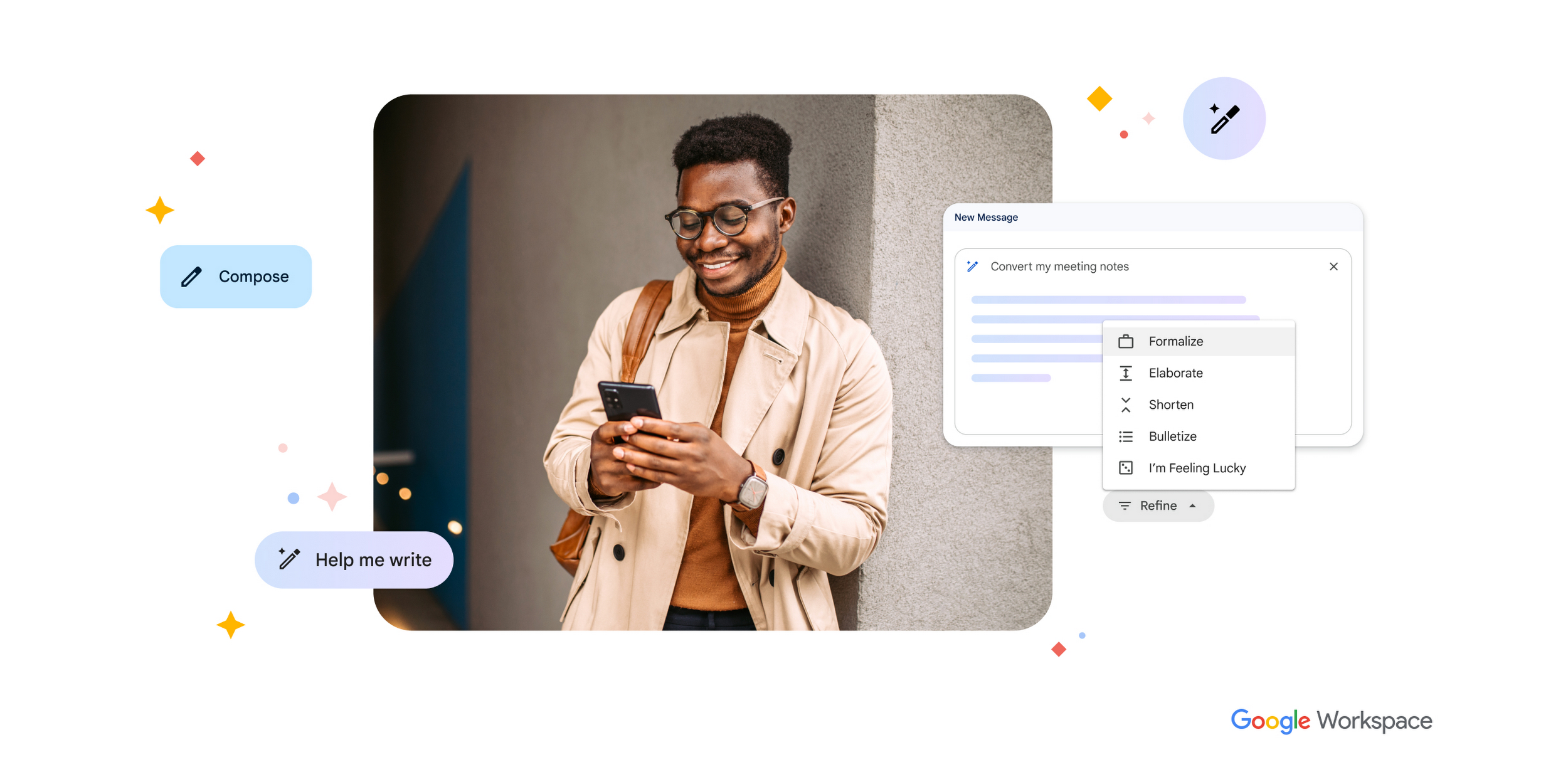
Google Workspace AI Updates: Gmail, Docs, and Keep Get Smarter
Email overload, messy notes, and half-finished documents eat up more work hours than most teams want to admit. That is why the latest Google Workspace AI updates matter right now. Google is pushing Gemini deeper into Gmail, Docs, and Keep, with new features aimed at helping you find context faster and act on it without jumping between tabs. If you live inside Workspace all day, that could save real time. If you have heard this pitch before, your skepticism is fair. AI inside office software often sounds better on stage than it feels in daily use. Still, these changes are worth a close look because Google is trying to make its assistant less of a novelty and more of a working layer across the tools people already use.
What stands out
- Gmail is getting more live AI help that can pull from your inbox and context.
- Google Docs is moving toward in-flow assistance instead of one-off prompts.
- Google Keep gains tighter ties to the rest of Workspace, which could make scattered notes more useful.
- The bigger story is not one feature. It is Google trying to turn Gemini into the connective tissue across Workspace.
Why these Google Workspace AI updates matter
Google has spent the past year folding Gemini into nearly every product it owns. Some of that felt rushed. Some of it felt like a checkbox for the AI race. But office software is one place where AI can earn its keep, because the friction is obvious and repetitive.
Think about your own workflow. You read an email, open a doc, check notes, search for a meeting detail, then write a reply. Why should that require five separate mental resets? Google is betting that the best AI feature is the one that trims those resets down to one.
Google’s pitch, as reported by The Verge, is that AI should work live inside Gmail, Docs, and Keep instead of acting like a detached chatbot.
That is the right direction. Honestly, standalone chat windows are starting to feel like the command line of modern AI. Useful, yes. But too clunky for people who just want to get through the work.
Google Workspace AI updates in Gmail
What Gmail appears to be adding
Gmail is becoming a more active assistant, not just a place where AI drafts replies. The new direction points to live help that can reason over your messages, surface context, and help you respond faster. That matters because inbox work is usually context work.
You are rarely writing from scratch. You are checking what someone asked, what you promised last week, what file was attached, and whether a date changed. An AI layer that can pull those threads together inside Gmail could be genuinely useful.
Small difference. Big payoff.
Where Gmail AI could actually help you
- Summarize long email threads before you reply.
- Pull action items from a back-and-forth with clients or coworkers.
- Draft replies that reflect prior context, not just the last email.
- Surface related files or notes without forcing you to search manually.
But here is the catch. Accuracy decides everything. If Gemini misses a detail in a contract email or muddles the tone of a customer exchange, the time savings vanish fast. Office AI lives or dies on trust.
Google Workspace AI updates in Docs
From blank-page help to ongoing support
Google Docs has had AI writing help for a while, but the newer push seems more ambitious. Instead of waiting for you to ask for a draft, Google wants AI to assist while you work, likely with planning, revising, summarizing, and connecting information from other Workspace apps.
That is a smarter angle than generic text generation. Most people do not need a machine to write an entire memo. They need help turning rough notes into a clean brief, tightening language, or pulling the right facts into the right place.
It is a bit like having an editor sitting nearby in a newsroom. Not to write the story for you, but to flag the holes, trim the excess, and ask, “Are you sure that point belongs here?”
What to watch for in Docs
- Context-aware editing based on material in Gmail or Keep
- Better summaries for long drafts and shared documents
- Faster restructuring of messy content into usable sections
- Live assistance during collaboration, not only before or after writing
If Google gets this right, Docs becomes less of a word processor with AI bolted on and more of a working environment with memory.
Google Workspace AI updates in Keep
Keep is the sleeper app in this story. It is easy to dismiss as a lightweight notes tool, but notes are often where real work starts. A meeting detail, a rough idea, a quote, a shopping list of tasks. Then those fragments disappear into digital clutter.
Google seems to understand that better note capture is only half the job. The more valuable move is connecting Keep to Gmail and Docs so your notes can become inputs for emails, briefs, and planning. That is much closer to how people actually work (messily, across apps, with partial information).
And yes, that sounds obvious.
It also happens to be where many productivity tools still fail.
What Google is really building across Workspace
The individual features matter, but the larger strategy matters more. Google wants Gemini to act as a shared layer across Workspace. That means your email, notes, documents, and probably meetings can feed one assistant that understands your current task.
This is where Google has an edge over many standalone AI startups. It already owns the surfaces where work happens. Gmail has well over a billion users. Docs and Drive are standard tools for schools, startups, and large companies. If Gemini can pull context across that stack cleanly, Google does not need to persuade users to adopt a new habit. It only needs to improve an old one.
That is a hard thing to do well, of course. Microsoft is chasing the same idea with Copilot across Word, Outlook, and Teams. The contest is no longer about who has an AI chatbot. It is about who can make software feel one step ahead without becoming intrusive or wrong.
Should you trust these Google Workspace AI updates yet?
Here is my read after years of watching office software overpromise. You should pay attention, but keep your guard up. AI features inside productivity apps tend to shine in demos because demos avoid ambiguity. Real work is full of ambiguity.
If you manage client relationships, legal reviews, hiring, finance, or sensitive internal planning, you need to test these tools on low-risk tasks first. Check how well they summarize. Check whether they preserve nuance. Check whether data access settings are clear. Boring? Yes. Non-negotiable too.
A practical test plan looks like this:
- Use AI summaries on internal email threads first.
- Try Docs assistance on drafts you can easily verify.
- Move Keep notes into Docs and see whether the context transfer is actually helpful.
- Track whether the feature saves time after the novelty wears off.
The last step matters most. If a tool saves you 30 seconds but breaks your flow, it is not helping.
What comes next for Google Workspace AI updates
According to The Verge’s reporting on Google’s announcements, the company is setting up a future where AI is present throughout Workspace rather than limited to isolated prompts. That is the right bet. People do not want more apps to manage. They want the apps they already use to waste less of their time.
Still, Google now has to prove discipline. Every new AI button adds clutter unless it removes friction. Every promise of “live” intelligence raises the standard for accuracy, speed, and privacy. Users will notice the misses long before they celebrate the wins.
If Gemini can tie Gmail, Docs, and Keep together in a way that feels natural, Google may finally have something stronger than an AI demo. If not, these Google Workspace AI updates will join a long list of features people try once and ignore. The next few rollouts should tell you which path this is on.


