Perplexity Personal Computer: Windows AI Agents Explained
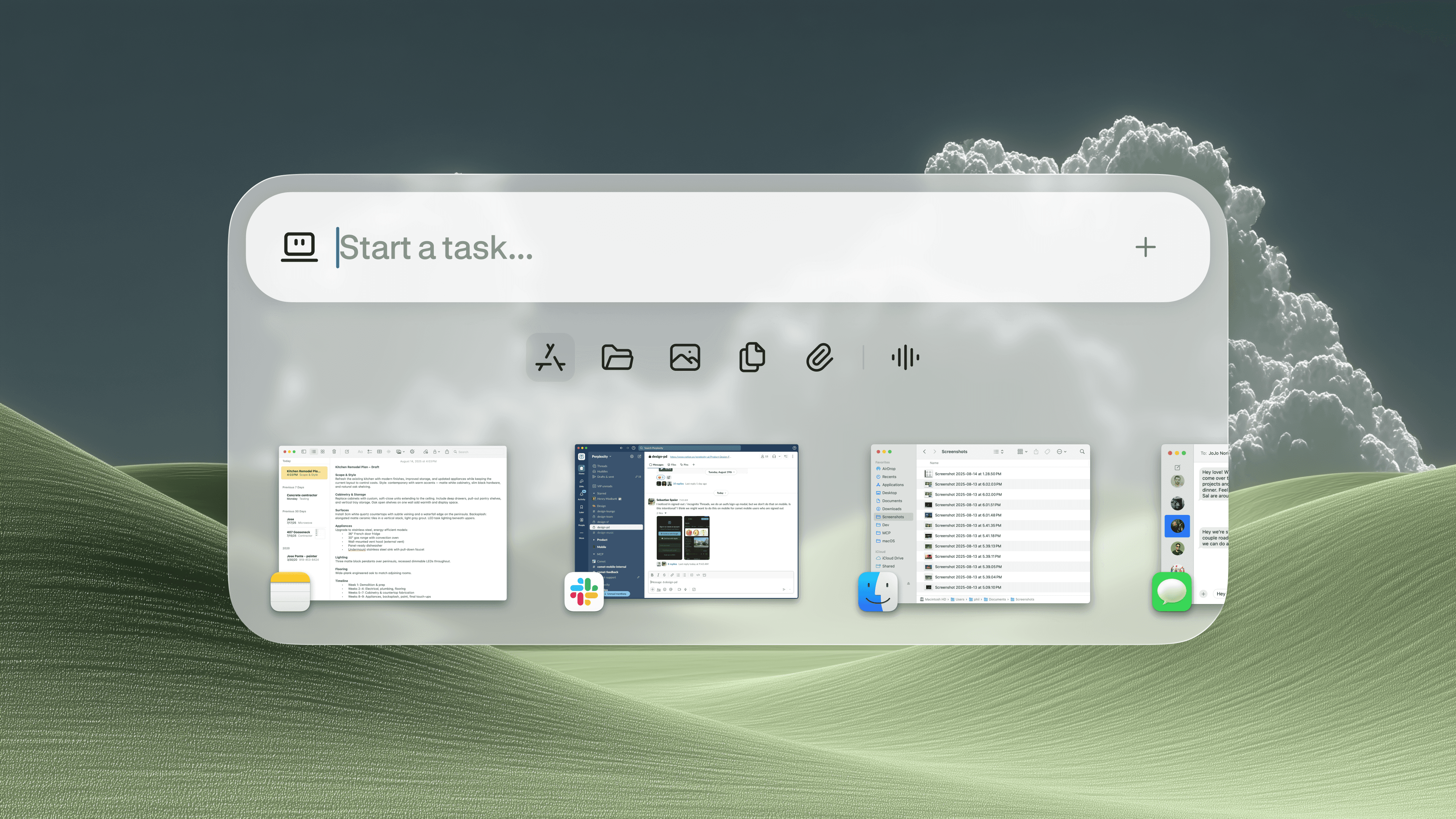
People keep asking the same thing about the Perplexity Personal Computer. Is it a real productivity tool, or another AI demo dressed up like a product? That question matters now because Windows is becoming the place where AI agents want to live, and the stakes are bigger than shortcuts or convenience. If an assistant can click around your desktop, read your files, and act on your behalf, then you need to know what it can actually do, what it cannot do, and where the risks start. This is no small update. It changes how you think about the PC itself. And if Perplexity gets the details wrong, users will feel it fast.
What the Perplexity Personal Computer changes
- It treats the PC like a workspace the AI can operate, not just a chat box that answers questions.
- It pushes Windows AI agents closer to real task automation, like opening apps, moving between windows, and filling forms.
- It raises the privacy bar, because desktop control means access to more sensitive data and actions.
- It tests trust, since users must decide how much power to hand an agent on a machine they depend on every day.
The pitch sounds simple. Let the agent do the repetitive stuff. Save time. Reduce clicks. Fine. But the real question is sharper: do you want an AI that can actually run parts of your computer?
How Windows AI agents work on a personal computer
Windows AI agents are different from a normal chatbot because they are not limited to text responses. They can inspect the screen, interpret interface elements, and take actions across apps. That means they can behave more like a junior assistant than a search box.
Think of it like a line cook who can prep ingredients, not just read the recipe. The assistant still needs supervision. But it can move faster once the steps are clear. That is the promise behind the Perplexity Personal Computer idea.
AI agents on Windows are useful only if they can complete ordinary tasks without turning every click into a risk review.
That line sounds obvious, but it is the hard part. Desktop automation breaks when windows shift, dialogs change, or a site adds a new step. Browser tasks are messy enough. Full PC control is messier.
Why the Perplexity Personal Computer matters to everyday users
For most people, the value will not come from flashy demos. It will come from boring work. Scheduling, copying data between apps, summarizing files, checking messages, and pulling information from a messy stack of windows. That is where agents can save real time.
But only if they are reliable. A tool that fails one time in twenty is not a productivity tool. It is a babysitting job. And if you have ever watched a bot get stuck on a login screen, you know exactly how fast the magic evaporates.
Where it could help
- Drafting responses from multiple documents.
- Moving data between spreadsheets and web forms.
- Summarizing open files and browser tabs.
- Handling routine research across several windows.
Where it will frustrate you
- Logins with two-factor authentication.
- Sites with inconsistent layouts.
- Tasks that need judgment, not just steps.
- Anything where a wrong click has real cost.
That tradeoff is the story. Not hype. Not sci-fi. Just friction versus payoff.
What this means for privacy and control
Any product built around Windows AI agents has to answer a blunt privacy question: what does the agent see, store, or send back? If it can read your screen, then screen content becomes part of the trust contract. If it can open files, file access matters too. If it can act in your browser, account security matters even more.
Perplexity will need clear controls. Users should know when the agent is acting, what permissions it has, and how to revoke access fast. No one wants a helpful assistant that turns into a security problem because the settings were vague.
Good agent design is about limits as much as capability. That is the part many companies skip.
How to judge the product without falling for the demo
Look past the polished video. Ask whether the system works across real apps, real workflows, and real interruptions. Can it recover from an error? Can it ask for confirmation at the right moment? Can it explain what it is about to do?
These are not abstract questions. They are the difference between a useful tool and a risky gimmick. If the Perplexity Personal Computer behaves more like a controlled operator and less like a guessing machine, it has a chance.
Here is the test I would use:
- Does it complete the task end to end?
- Does it keep you in control of sensitive actions?
- Does it fail loudly, not silently?
- Does it save time on the second and third try?
That last point matters. A one-off demo is theater. Repeated success is the product.
Why this is bigger than one app
Perplexity is not just chasing a feature. It is betting that the next phase of desktop software will be agent-driven. If that happens, the PC starts to look less like a pile of separate apps and more like an operating layer for tasks. The operating system becomes a stage, and the agent is the one moving props around.
But the industry has been here before. We have seen voice assistants overpromise. We have seen automation tools fail on edge cases. We have seen companies talk about transformation before the basics worked. So the burden is on Perplexity to prove this is more than a slick wrapper.
For now, the smartest stance is caution with interest. If Windows AI agents can do useful work safely, users will adopt them. If they cannot, the market will treat this like another glossy prototype. Which side do you think this lands on?
What to watch next
Watch for three things. First, whether Perplexity expands real desktop actions beyond browser-like tasks. Second, whether it offers clear permission controls. Third, whether the company shows reliable performance outside curated demos.
If those pieces line up, the Perplexity Personal Computer could matter. If not, the idea stays where many AI products end up, stuck between promise and proof.


