AI Home Network Security: What a WIRED Hacking Test Shows
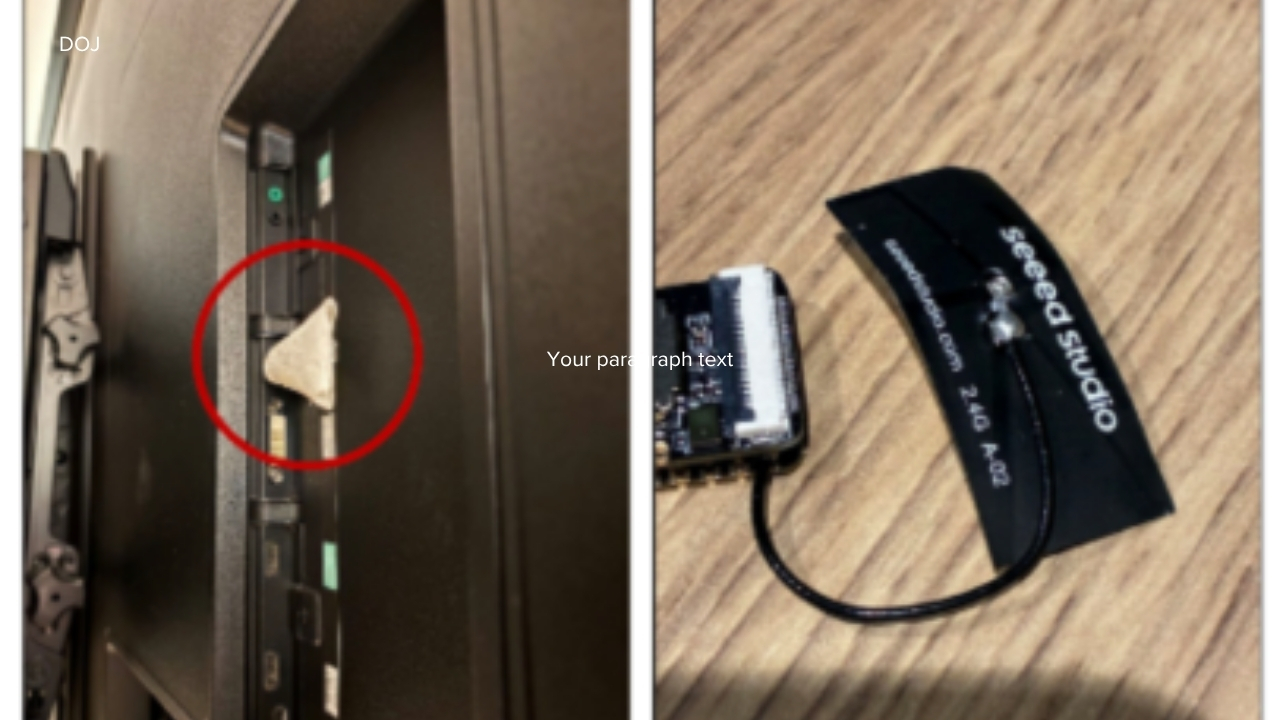
Your home network is now a softer target than you think. Routers sit unpatched, smart cameras keep default settings, and old laptops linger on Wi-Fi years after anyone remembers buying them. AI home network security matters now because the tools that help defenders audit networks can also help curious amateurs and criminals find weak spots faster. A recent WIRED piece tested this tension by using AI to probe a home network, showing how much of the old hacking grunt work can be sped up with chatbot guidance and code help. That does not mean an AI bot can magically break into every router. It does mean your lazy defaults are becoming easier to spot. If your home network is still treated like plumbing, hidden until something leaks, you are already behind.
What Stands Out
- AI can help map devices, explain scan results, and suggest next steps, even for users with limited security experience.
- The biggest risks are still boring ones: weak passwords, outdated firmware, exposed services, and cheap smart devices.
- Chatbots can lower the skill needed for reconnaissance, but they do not replace real exploit knowledge.
- Good AI home network security starts with inventory, updates, segmentation, and sane router settings.
- Defenders can use the same tools to test their own setup before someone else does.
What the WIRED AI Hacking Test Really Means
WIRED’s experiment is useful because it avoids the fantasy version of AI hacking. The interesting part is not that a chatbot becomes a hoodie-wearing supervillain. The real story is that AI can act like a patient assistant, one that explains command-line tools, summarizes errors, and points a user toward common flaws.
That changes the threat model for normal households. A decade ago, scanning a home network required enough comfort with tools like Nmap, terminal commands, and networking jargon to scare off casual snoops. Now, a chatbot can translate much of that into plain English. What ports are open? What does this device name mean? Is this service risky?
AI does not need to be brilliant to be dangerous. It only needs to make mediocre attackers more persistent and less confused.
Look, security pros have used automation for years. The shift is access. The same style of assistant that helps you debug Python can also help someone understand why an old NAS box is broadcasting services it should not expose.
Why AI Home Network Security Starts With Visibility
You cannot protect devices you cannot name. Most homes now have a messy pile of phones, tablets, TVs, speakers, cameras, game consoles, printers, thermostats, and work laptops. The router sees them all, but you may not.
Start with a device inventory. Log into your router app or admin page and list every connected device. If a name looks vague, such as Android-9 or ESP_ followed by random characters, match it by turning devices off one at a time. Tedious? Yes. Effective? Also yes.
That is the uncomfortable part.
Think of your network like a restaurant kitchen before dinner service. If the chef does not know what is in the fridge, what is spoiled, and what is sitting in the wrong place, the night goes badly. Your router is the kitchen door, but the ingredients are every device you let inside.
Quick inventory checklist
- Record each device name, type, owner, and location.
- Remove devices you no longer use.
- Rename vague devices in your router dashboard if your router allows it.
- Flag anything that has not received updates in the past year.
- Keep work devices separate from guest gadgets where possible.
AI Home Network Security Risks You Should Fix First
Not every weakness deserves the same panic. A smart bulb with limited access is annoying. A router with an old admin password is a front door with a sticky lock. Fix the high-impact items first.
1. Router firmware and admin access
Your router is the highest-value box in the house. Update its firmware, change the admin password, and disable remote administration unless you have a clear reason to use it. If your router has not received security updates in years, replace it.
CISA has warned for years that exposed management interfaces and outdated network gear remain common attack paths. Home users often miss this because consumer routers are sold like appliances, not computers. But they are computers, and they need patching.
2. Weak Wi-Fi settings
Use WPA2-AES at minimum, or WPA3 if your router and devices support it. Avoid old modes like WEP and WPA. Your Wi-Fi password should be long, unique, and boring enough that nobody can guess it from your pet, street, or favorite team.
Should you hide your network name? Not really. Hiding the SSID is more theater than defense, and it can create connection headaches. Put your effort into encryption, password quality, and updates.
3. Smart home clutter
Cheap Internet of Things devices are often the weakest link. Cameras, plugs, baby monitors, and off-brand sensors may ship with poor update habits and cloudy privacy terms. If a device has a default password, change it before you connect it to anything sensitive.
For higher-risk gadgets, use a guest network or IoT network. Many modern routers support this in a few taps. Keep smart devices away from your work laptop, file server, and primary phone whenever you can.
How AI Can Help You Defend Your Own Network
The defensive use case is the part people should not ignore. You can ask an AI assistant to explain router settings, help interpret device lists, or create a plain-language checklist for your exact model. That can save time, especially if the manual reads like it was written under protest.
Be careful with what you paste into any chatbot. Do not share public IP addresses, passwords, full router logs, or anything tied to your identity unless you understand the privacy terms. You can redact details and still get useful help.
- Ask the assistant to explain unfamiliar router settings in simple terms.
- Use it to build a monthly update checklist for your devices.
- Paste redacted scan output and ask what needs attention first.
- Ask for safer alternatives before enabling port forwarding.
- Have it turn vendor support pages into step-by-step instructions.
Here is the thing: AI advice can be wrong, outdated, or too confident. Treat it like a junior analyst. Useful, fast, and in need of supervision.
Where Chatbots Still Fall Short
AI tools are good at summarizing common patterns. They are worse at knowing your exact hardware state, your ISP configuration, and the odd quirks of a five-year-old router firmware build. They may also suggest tools or commands that are inappropriate outside your own network.
There is also a legal line. Scanning your own home network is one thing. Testing a neighbor’s router, a workplace network, or a public Wi-Fi system without permission is different. The fact that an AI assistant can explain a command does not make the action allowed.
NIST’s Cybersecurity Framework uses a simple cycle: identify, protect, detect, respond, and recover. That model works at home too. You do not need a security operations center. You need a short list, routine upkeep, and fewer mystery devices.
A Practical AI Home Network Security Plan
If you want to act this week, keep it simple. The goal is not to become a penetration tester by Friday. The goal is to remove easy wins for anyone poking at your network.
- Day 1: Log into your router and change the admin password.
- Day 2: Update router firmware and enable automatic updates if available.
- Day 3: Review connected devices and remove anything unknown.
- Day 4: Create a guest or IoT network for smart home gear.
- Day 5: Turn off remote admin, UPnP, and port forwarding unless you need them.
- Day 6: Update phones, laptops, TVs, cameras, and network storage.
- Day 7: Save a simple inventory and set a monthly reminder to review it.
If that sounds basic, good. Basic controls stop a lot of low-effort trouble. Attackers, including AI-aided ones, tend to move toward the path with the least resistance.
The Next Weak Link Is Habit
The WIRED test should not send you into panic mode. It should push you to treat your home network as a living system, not a black box under the couch. AI will keep making technical tasks easier for both sides, and the gap between curious tinkering and real intrusion will keep narrowing.
Your best move is boring discipline. Patch the router, split risky devices, kill old access, and ask better questions before you plug in another bargain camera. If AI can help someone inspect your network, why not use it first?