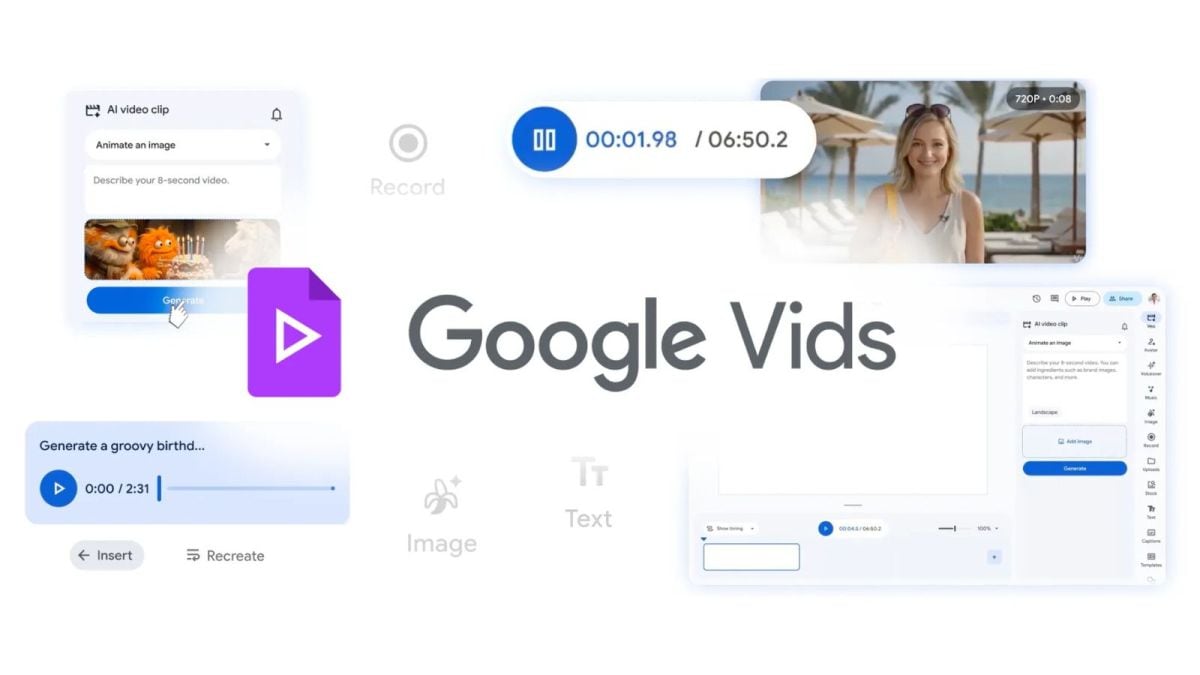
Google Vids’ Prompted Avatars Put Storyboards on Fast Forward
Marketing teams burn hours turning rough ideas into presentable clips. Google just folded prompt-driven avatar control into its Vids app, and that shift matters because it lets you sketch scenes with text instead of endless timeline tweaks. The new flow uses the same foundation as Google’s Gemini models, so you can describe tone, camera moves, and character actions, then watch the avatar comply inside the browser. This upgrade cuts the gap between a script and a shareable draft, but it also raises questions about consent, likeness rights, and how much creative direction you hand to the system. Treat Google Vids avatar prompts as a power tool, not autopilot, and you keep your brand voice intact while shipping faster.
Why This Update Hits Now
- Prompted control turns Vids into a previsualization studio for teams without editors.
- Gemini-grade models interpret direction for gestures, pacing, and camera framing.
- Avatar guidance speeds A/B storyboards for ads, explainers, and training clips.
- Early testers report shorter revision cycles and fewer reshoots.
Google Vids Avatar Prompts: What You Actually Get
The update adds text-driven cues for body language, lip sync alignment, and scene timing. You can type “walk to the whiteboard, pause, then point to the chart” and the avatar performs it. There is still a human in the loop because you approve each take before exporting. Think of it like calling plays from the sideline: you set the strategy, the avatar runs the route.
“You direct with words, and Vids does the blocking,” said a Google product lead during the launch briefing.
Setup and First Run with Google Vids Avatar Prompts
- Open Vids in your Workspace account and pick an avatar template that fits your brand guidelines.
- Paste your script, then add line-level actions such as “look at camera” or “raise left hand.”
- Use the preview pane to check lip sync; adjust phoneme alignment if the delivery drifts.
- Render a low-res draft to share with stakeholders before committing to export.
One clean pass can reveal whether the pacing matches your voice.
Keeping Control of Brand Voice
You still need to set guardrails. Lock in wardrobe, background, and lighting presets so prompts cannot wander into on-brand territory. And never skip a likeness release if you use a human-resembling avatar, even if it looks generic. That protects you when clients ask who signed off on the face in the video.
Script Tips That Translate
- Write actions in the present tense: “steps forward,” “opens laptop,” “smiles for two seconds.”
- Tag emotion sparingly; overstuffed prompts confuse delivery.
- Pair audio cues with motions to keep rhythm tight.
Privacy and Compliance: Non-Negotiable
Vids processes prompts and renders in Google’s cloud, so confirm your data residency rules before uploading sensitive footage. Do you want employee likenesses leaving your region? If the answer is no, keep avatars fictional and avoid real names in scripts.
This is the single-sentence paragraph.
Performance Gains Worth Measuring
Teams I talk to report that prompt-guided drafts cut review cycles by about 30 percent compared to manual keyframing. The saving grows when you need language variants because you only swap the script and reuse motions. It feels like swapping a chef’s knife for a food processor; you still need skill, but prep time shrinks.
Where Google Vids Avatar Prompts Still Miss
Motion nuance sometimes flattens. Shoulder shrugs look stiff, and rapid gestures can desync from audio. If you build product demos with close-up hand shots, the system may not match your precision. Capture a few real inserts and drop them into the timeline rather than forcing the avatar to mimic fine motor tasks.
What This Means for Editors
Editors keep control of pacing, color, and final mix. The prompt layer is a draft accelerator, not a replacement. But if you ignore it, you risk looking slow next to teams who can mock up three storyboards before lunch.
Google Vids Avatar Prompts in L&D and Sales
Learning teams can produce consistent onboarding clips without booking presenters. Sales teams can personalize outreach with regionally tuned avatars and still keep brand standards tight. The critical step is tracking which prompts map to which outcomes so you can reuse winners instead of guessing every time.
Edge Cases to Watch
- Legal: verify that avatars avoid protected traits in regulated industries.
- Security: restrict who can generate public links to drafts.
- Attribution: label AI-generated scenes in exports to avoid confusion.
Final Take on Google Vids Avatar Prompts
I like the speed, and I like the control knobs. I do not like the risk of sloppy approvals. Who signs off when an avatar blinks at the wrong time? Teams that codify prompt templates and review steps will win back hours without sacrificing craft.
Next Moves
Try the feature on a small explainer, time the production delta, and share the numbers with your stakeholders. Ask your legal lead to review likeness policies before scaling. Then decide which parts of your pipeline stay human-only.


