MacPaw Brings On-Device AI Inference to App Store Devs
If you build apps, you already know the pressure point. Users want AI features, but they do not want slow responses, cloud bills, or their data sent off device. That is why on-device AI inference matters so much right now. MacPaw’s move to tap Liquid AI for developers building in its app store points to a simple shift: more AI work is moving onto the machine in your hand, not a remote server.
That change affects product design, privacy promises, and unit economics. It also changes what counts as a good app experience. A feature that runs locally can feel instant. A feature that waits on the network can feel like a tax. And once developers start treating the device itself as the inference layer, the old cloud-first playbook gets harder to defend.
- Faster response times can make AI features feel native instead of bolted on.
- Lower data exposure helps apps that handle private files, notes, or personal workflows.
- Reduced server costs can matter more than model size for small teams.
- Better offline behavior gives users value when connectivity is weak or absent.
What MacPaw’s move says about on-device AI inference
MacPaw has spent years building utility software for Mac users, so this is not some random pivot into AI theater. The company understands that desktop users care about speed, control, and reliability. By offering Liquid AI’s on-device inference to developers in its app store, MacPaw is signaling that local AI can be a product feature, not just a research demo.
That matters because app stores are distribution power centers. If you give developers a clean path to ship local AI, you lower the friction for experiments that would otherwise die in architecture review. Think of it like moving the stove from the basement to the kitchen. The work still has to happen, but it happens where the action is.
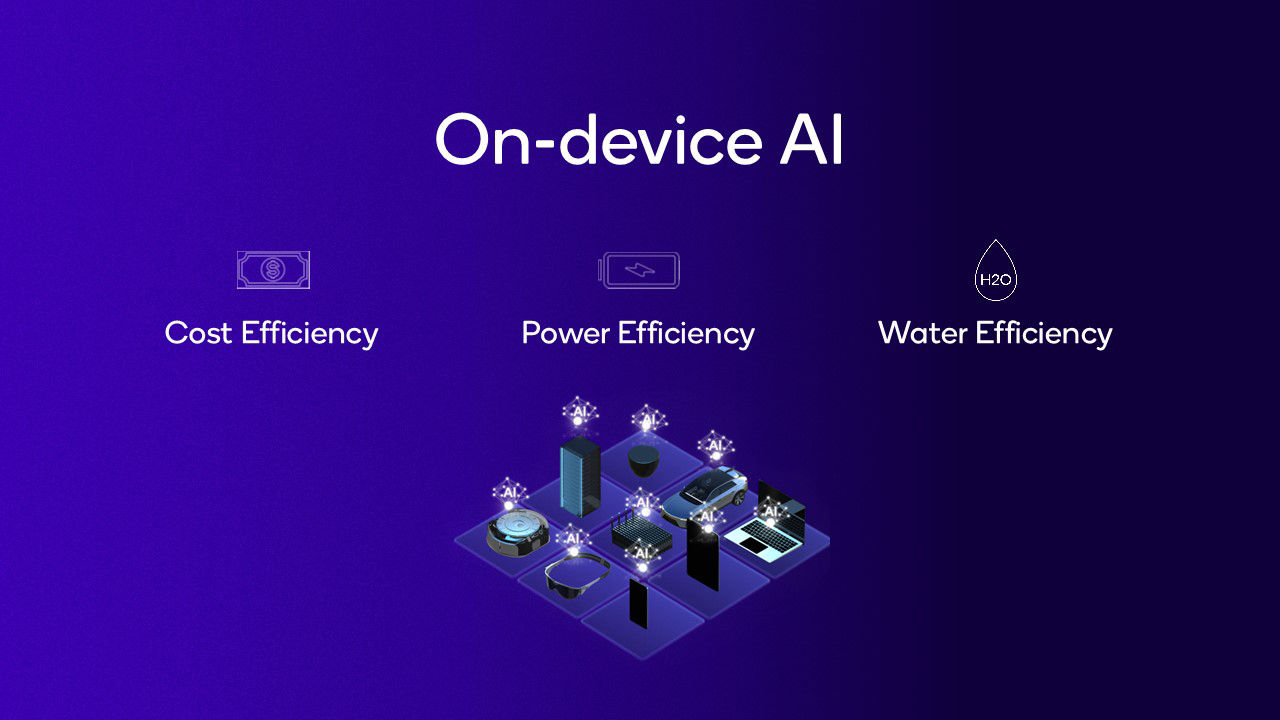
Local inference changes the economics of AI apps. You stop paying for every prompt on a server and start paying in device constraints, model optimization, and engineering discipline.
That tradeoff is real. But for many utilities, it is the better deal.
Why developers should care about on-device AI inference
Developers often talk about model quality first. They should talk about deployment constraints first. What good is a smart feature if it feels sluggish, drains bandwidth, or raises privacy questions the minute it touches user content?
On-device AI inference helps in three practical ways. It cuts latency because the model runs next to the data. It reduces the need to send sensitive content to a third-party API. And it can keep features alive offline, which is still a big deal for laptop workflows, travel, and shaky connections.
But there is a catch. Local models are usually smaller, so you need to be honest about scope. Do you need full general intelligence, or do you need a focused feature like text cleanup, tagging, summarization, or command prediction? The second bucket is where local AI often shines.
Where it fits best
- Document apps that summarize or classify local files.
- Productivity tools that rewrite, sort, or extract small chunks of text.
- Security and utility apps that should avoid sending data to the cloud.
- Offline-first software that still needs smart assistance.
Ask yourself one blunt question. Does the feature need a giant model, or does it need a fast one?
What changes for users and the app store
For users, local AI usually means less waiting and fewer permission headaches. For the app store, it may mean a new class of apps that are easier to trust because they keep more work on the device. That trust angle is not fluff. Privacy is now a buying criterion, especially for file managers, note apps, and creative tools.
There is also a business angle. Cloud inference can turn a promising app into an expensive one, fast. If developers can shift even part of the workload on-device, they may preserve margins without pushing users into aggressive subscription tiers. That is not a small thing. It could be the difference between a feature people love and a feature finance kills.
Still, local AI is not free. Developers have to manage model size, memory use, battery impact, and device fragmentation. Older hardware may struggle. Newer hardware may perform well. The real art is picking tasks that fit the envelope.
What to watch next in on-device AI inference
The next phase is not about bigger promises. It is about better fitting models into real products. If MacPaw and Liquid AI make local inference easier for third-party developers, expect more apps to test small, focused AI features before they risk cloud-heavy ones.
That could push the market in a healthier direction. Fewer inflated demos. More practical tools. Less dependence on round-trip API calls for tasks that should never have left the machine in the first place.
And that is the real question now. If your app can run smarter on the device, why keep sending every task to the cloud?
What developers should do next
Start by auditing your AI roadmap. Split features into three buckets. Keep on-device inference for private, fast, narrow tasks. Keep cloud inference for broad, heavy, or highly dynamic tasks. Leave the rest on the cutting-room floor.
Then test with real hardware, not just benchmarks on a lab machine. Battery drain, thermal limits, and memory pressure will decide whether your feature survives outside a slide deck. Build for the user’s device like you actually expect them to keep using it. Because you should.