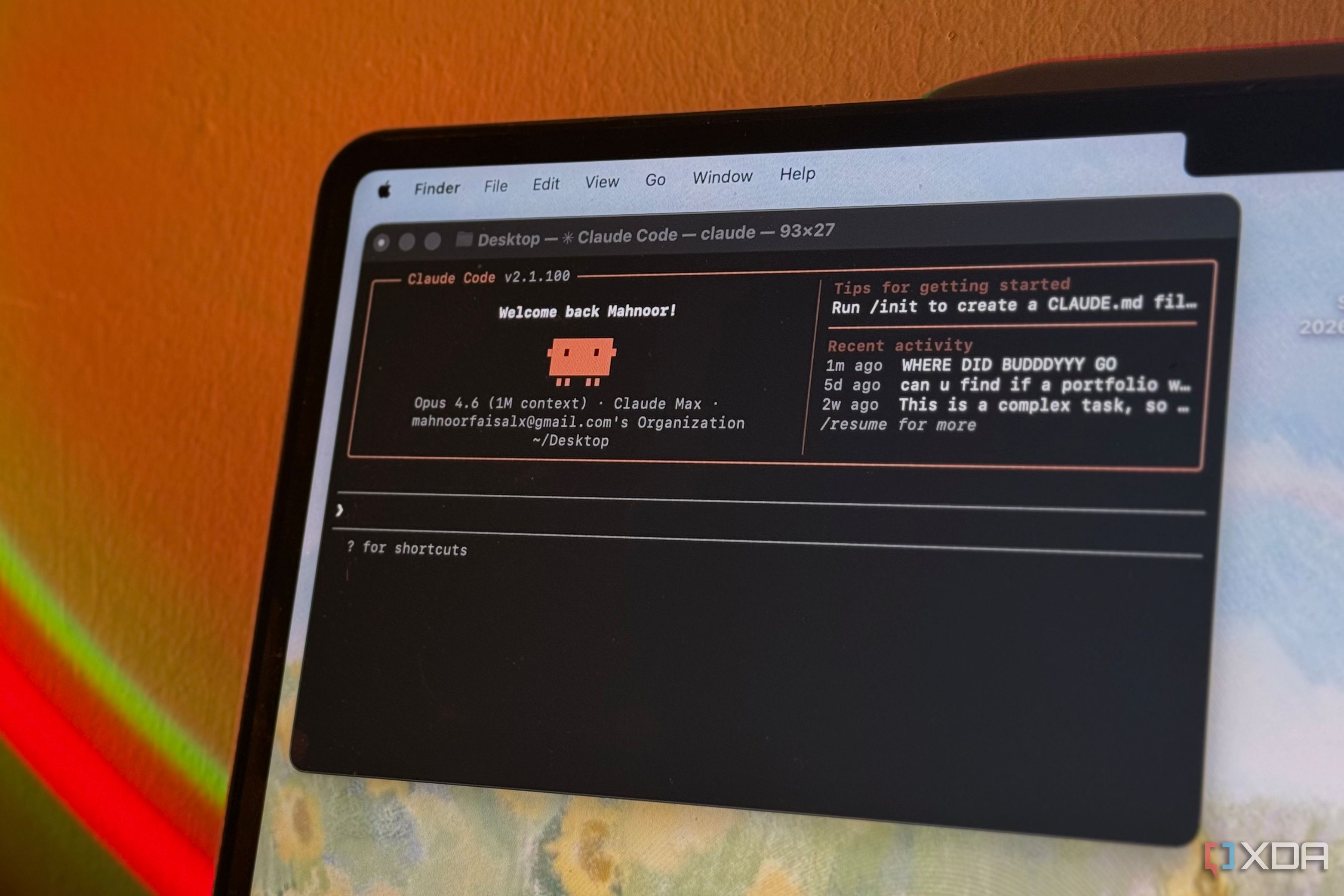
Microsoft Notepad Is Ending Claude Code
If you have used AI features inside Windows text editors, this change matters more than it first appears. Microsoft Notepad ending Claude Code is not just a small product tweak. It is another sign that Microsoft wants tighter control over which AI models live inside its own software, and that affects your workflow, your subscriptions, and the tools you can trust to stick around. The Verge reports that Microsoft is discontinuing Claude-powered features tied to Notepad, a move that leaves users with fewer model choices in a basic app many people still use every day. That may sound minor. It is not. When AI features get pulled from a default Windows app, it tells you a lot about platform power, vendor lock-in, and where desktop AI is headed next.
What this means right now
- Microsoft is removing Claude Code support connected to Notepad.
- The change points to a narrower AI stack inside Microsoft-owned apps.
- If you relied on Claude in that workflow, you should plan an alternative now.
- This is a useful reminder that AI features in bundled software can vanish fast.
Why is Microsoft Notepad ending Claude Code?
The short answer is control. Big platform companies want fewer outside dependencies inside core products, especially when AI is involved. Models cost money, raise support issues, and create brand risk if the output goes sideways.
Microsoft already has every incentive to push users toward its own Copilot ecosystem and OpenAI-aligned services. Why give precious space in a default Windows app to a rival model family if you can steer usage toward your own stack?
Look, this is how platform strategy usually works. First, a company opens the door just enough to test demand. Then it narrows the path once it sees where revenue or influence might land.
Bundled software is never neutral for long. Once AI gets embedded in an operating system vendor’s apps, model choice becomes a business decision, not a user preference.
How Microsoft Notepad ending Claude Code affects users
If you only use Notepad for plain text, this may change nothing for you today. But if you liked having Claude-style assistance close to your editing flow, the loss is real. You now need to switch apps, use a browser tab, or move to another coding or writing setup.
That extra friction matters. Tiny interruptions add up, especially for people who bounce between notes, snippets, logs, and draft content all day.
One missing button can break a habit.
And there is a broader issue here. If you pay for AI access in one place but the feature disappears inside the app where you actually work, what are you really buying? Convenience is often the product.
What this says about AI model choice on Windows
Microsoft Notepad ending Claude Code fits a wider pattern across AI products. Choice looks broad at launch, then shrinks as companies decide which integrations deserve engineering time and strategic oxygen.
Think of it like a supermarket that offers ten hot sauces for a month, then cuts the shelf back to the store brand and one premium option. The shelf space was never free. AI distribution works the same way.
For Windows users, that likely means more Copilot, deeper Microsoft account ties, and fewer surprises in default apps. Some people will like that because it is simpler. Others will see it for what it is, a tighter gate.
What to watch next
- Whether Microsoft replaces Claude-related functionality with Copilot features.
- Whether more Windows apps reduce outside model integrations.
- How developers respond if users start demanding real model choice inside desktop tools.
Should you switch tools now?
Probably, yes, if Claude support inside your editing flow mattered to you. Waiting for reversals in platform decisions is usually a bad bet. These moves rarely get undone unless there is a loud user backlash or a revenue reason.
Here are the practical options:
- Use Claude directly in the web app for writing, code explanations, and text cleanup.
- Move to an editor that supports multiple AI providers through extensions or APIs.
- Keep Notepad for plain text only and separate your AI tasks into a dedicated workspace.
- Export or document any prompts or workflows you built around the old feature.
Honestly, the second option is the safest. Editors with broader extension ecosystems usually age better than bundled utilities because they are built for tool switching, not lock-in.
Is this a big deal or just product housekeeping?
Both. On the surface, this is a product support change in a simple Windows app. But under that surface, it reveals how fragile AI integrations still are.
Users often treat built-in AI features as permanent once they appear in familiar software. That is a mistake. These features are more like leased furniture than structural walls. They can be removed, repriced, or replaced with little warning.
That is why this story deserves attention beyond Notepad itself. It is about dependency. If your workflow depends on a platform owner’s tolerance for third-party AI, you do not fully control that workflow.
What smart users should do next after Microsoft Notepad ending Claude Code
You do not need to panic. But you should get a little less comfortable.
A solid next step is to audit where AI sits in your daily work. Which features are local, which are cloud-based, and which depend on one company keeping a partnership alive? That quick review can save you a mess later.
(Most people skip this until a feature disappears.)
- List the apps where you use AI every week.
- Mark which ones depend on a single vendor or model.
- Identify one backup tool for each high-use workflow.
- Save reusable prompts outside any one app.
That may sound boring. It is also the difference between adapting in ten minutes and losing a day to scramble when the next integration gets cut.
Where this likely goes from here
Microsoft will keep pushing AI deeper into Windows, Office, and Copilot. But do not confuse deeper integration with broader openness. Those are different things.
The real question is whether users will accept AI convenience on platform terms only, or start favoring tools that let them switch models as easily as they switch tabs. My bet? The people who do serious work will keep choosing flexibility, even if default apps keep trying to make that choice for them.


