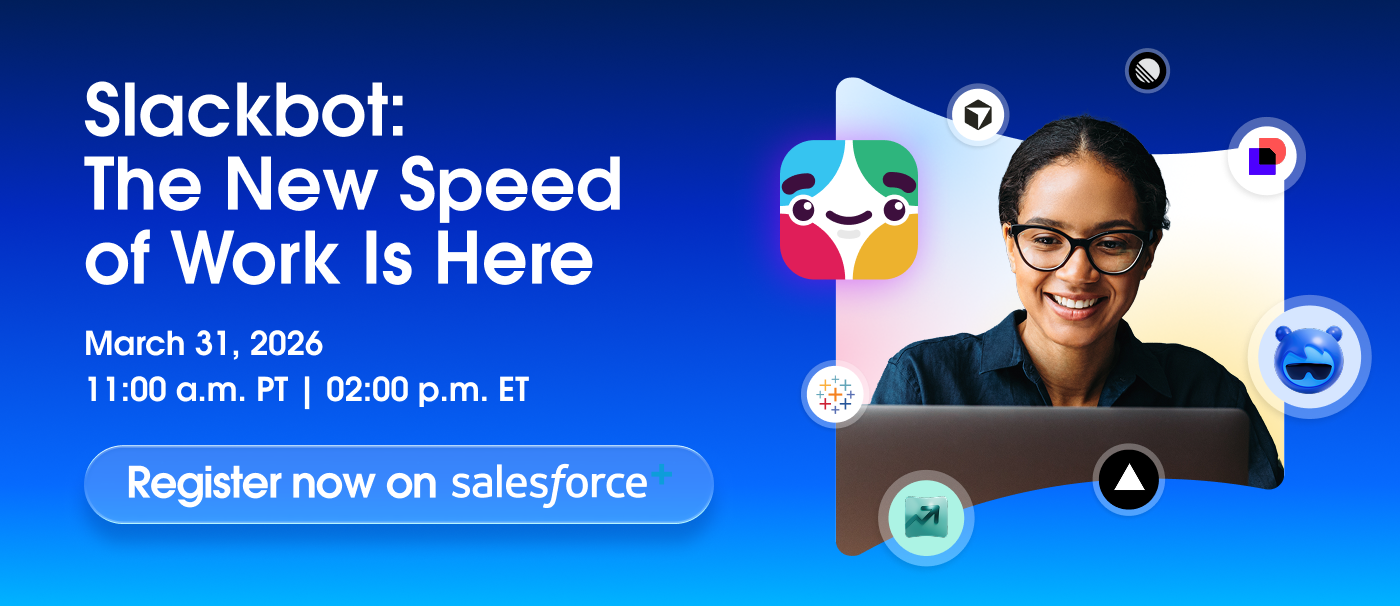
Salesforce Slackbot AI Agent Challenges Microsoft in Team Collaboration
Your team is tired of juggling apps and chasing answers. Salesforce is betting that its new Salesforce Slackbot AI agent can sit inside Slack and shorten that hunt, just as Microsoft leans hard on Copilot inside Teams. The timing matters because budgets are tight and every new tool must prove it saves time without creating another layer of noise. You need to know what this bot can actually do, how it connects to your CRM, and where the risks sit before you invite it into daily workflows.
Quick Hits
- Built to live in Slack with hooks into Salesforce data and Einstein models.
- Pitched as a direct rival to Microsoft Copilot inside Teams.
- Promises conversational queries plus workflow automation in one chat surface.
- Data governance and user trust remain the deciding factors for rollout.
Why the Salesforce Slackbot AI agent matters
Salesforce wants to keep your attention inside Slack instead of letting Teams become the daily default. The bot answers CRM questions, drafts follow ups, and triggers workflows without swapping windows. Think of it like a veteran point guard feeding the right teammate at the right moment. It keeps the play moving.
The real test is whether responses feel fast, reliable, and grounded in CRM facts rather than generic chat.
Will teams trust a chat reply enough to skip opening a dashboard?
How it works inside Slack
- Data access: The agent pulls from Salesforce records, Einstein intelligence, and Slack conversations. Admins can scope access by role.
- Actions in chat: Users can log notes, create tasks, and kick off approvals without leaving the thread.
- Context carryover: The bot keeps conversation context to refine answers, similar to how a chef tastes as they cook (adjustments happen midstream).
- Governance: Audit trails and policy controls mirror what admins already use in Salesforce Shield.
Head-to-head with Microsoft
Microsoft marries Copilot to Office and Teams. Salesforce counters with deep CRM context and Slack ubiquity. Pricing and licensing will push decisions, but day-to-day fit comes down to where your users live. If sales and support teams spend all day in Slack, forcing a switch to Teams just for AI help slows them down.
Single-sentence paragraph.
Expect Microsoft to answer with tighter Dynamics and Outlook automation, so this race is not slowing.
Rollout checklist for your team
- Security review: Map which objects the bot can read and write. Confirm data residency and logging.
- Pilot scope: Start with one pipeline or support queue to measure accuracy and time saved.
- Prompt playbook: Train users on queries that yield structured answers. Example: “Show open deals over $50k closing this quarter”.
- Fallback plan: Set clear paths to escalate when the bot cannot answer. No guesswork.
- Metrics: Track response speed, resolution time, and how often users still open dashboards.
What success looks like
Look for fewer context switches, cleaner CRM updates, and faster approvals. If reps stop pasting data into spreadsheets, the agent is paying off. But if you see hallucinated answers or missed tasks, tighten permissions and retrain prompts. Adoption mirrors a good sports season: early wins build trust, but one bad game can sour the locker room.
Risks and limits to watch
The agent relies on accurate CRM data. Garbage in means garbage out. Latency can also erode confidence, especially for support teams on live chats. Compliance teams will demand clarity on how Slack message content is stored and which models process it. Keep humans in the loop for decisions that carry legal or revenue impact.
Next steps for buyers
If you already pay for Slack and Salesforce, pilot the bot before renewing collaboration suites. Compare side by side with Copilot for the same tasks. Document where each tool cuts steps and where it stalls. Your decision should hinge on user time saved, not on vendor hype.
And if neither tool earns trust, keep iterating with tighter scopes until one proves its value.


