Siri AI Chatbot Update in iOS 27: What Matters for Users Now
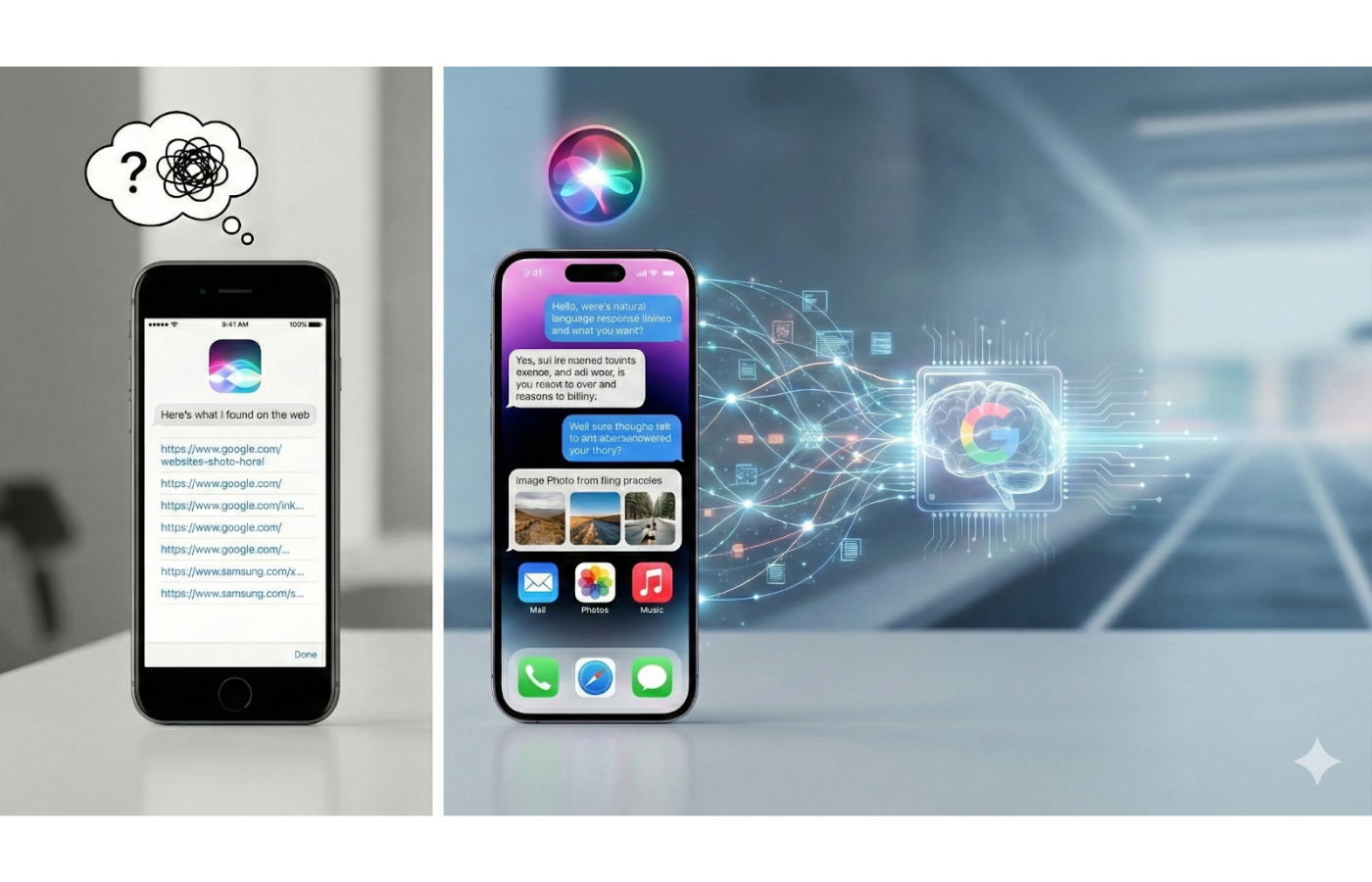
Apple is about to ship its most aggressive Siri AI chatbot update in iOS 27, and you need to know how it will change your daily flow. The new on-device model promises faster answers, richer context, and tighter integration with Messages, Mail, and third-party apps. That sounds great, but will it respect your data and work with the tools you already trust? This guide breaks down what is real, what is hype, and how to prep your settings so you do not waste time when the update lands. The Siri AI chatbot update can either feel like a helpful sous-chef or a clumsy cook. You get to decide which one shows up.
Why This Siri AI Chatbot Update Hits Different
- On-device processing cuts latency and keeps more data local.
- Context stitching across apps reduces copy-paste churn.
- New intent APIs let third-party apps expose smarter actions.
- Privacy prompts are clearer but require careful setup.
Siri AI Chatbot Update: Where the Wins Show Up First
The fastest gains land in mundane tasks. Dictate an email, ask Siri to draft a reply with tone control, and you will see a cleaner first draft. Calendar and reminders pick up cross-references so a meeting invite can auto-suggest the right doc. Think of it like moving from a pocketknife to a Swiss Army knife in the same pocket. The tool stays familiar, but the number of quick solves jumps.
Messaging and Mail
Expect smarter follow-ups. Ask, “Remind me what Alex asked last week,” and Siri pulls the thread context without hunting. If you run a busy inbox, the AI can summarize long chains into crisp briefs. But does it always guess correctly? Not yet. Keep an eye on names with similar spellings to avoid misfires.
Productivity Apps
Third-party developers get new intent APIs. Task managers can expose “add with tag” or “reschedule to next free block.” If you use a note app, Siri can drop action items into the right project instead of a generic inbox. That beats manual sorting after every meeting.
Privacy and Control: Stay in the Driver’s Seat
The update leans on on-device processing, which trims the amount of data sent to Apple servers. Still, the system may offload complex queries to the cloud when needed. Check Settings > Privacy > Siri to see which apps feed context back. Toggle off any app that has no business training your assistant. One blunt takeaway: privacy expectations are shifting.
“The promise is speed and discretion. The risk is quiet creep of data scope if you never look under the hood.”
Think of privacy here like setting field positions in baseball. You decide who plays shortstop, who covers deep, and who sits. Set your roster before the game starts (and Apple knows it).
Setting Up the Siri AI Chatbot Update the Right Way
- Run the update on Wi-Fi and keep the phone plugged in to avoid partial installs.
- Open Settings and review the new Siri Personalization toggle. If you want tighter summaries, keep it on. If you manage sensitive data, turn it off.
- Train key app shortcuts. Add custom phrases for your top three workflows so Siri recognizes them on day one.
- Test dictation in a noisy room. The new model claims better noise handling. Challenge it before you rely on it.
Should you trust the default suggestions? Only after you audit them. The assistant may prioritize Apple apps until you nudge it toward your preferred tools.
Developer Angle: Preparing Your App for the Siri AI Chatbot Update
Developers get a shot at deeper hooks. Expose clear intents with parameters, map them to concise responses, and provide fallbacks. Use on-device testing to confirm responses stay under latency targets. Add logging for misunderstood commands to refine phrasing in the next release. Remember, the assistant is only as useful as the verbs you hand it.
Adopt the new privacy manifests so users see exactly what data flows when they grant Siri access. That transparency builds trust faster than any splash screen.
What to Watch Over the Next Month
Battery impact will be the first stress test. Early betas show slight upticks during heavy dictation, but light daily use stays near baseline. Another variable is multilingual handling. The updated Siri claims better code-switching, yet early testers report occasional language flips mid-sentence. Keep feedback channels open to flag these quirks.
Camera control is the sleeper feature. Saying “snap three burst shots” triggers a short script that used to require tapping through menus. It feels like switching from a manual car to an automatic in city traffic. Less fuss, same destination.
Closing Signal for the Siri AI Chatbot Update
If you treat this update as a set-and-forget upgrade, you will miss the real gains. Spend ten minutes tuning privacy, shortcuts, and default apps, and Siri starts acting like a teammate instead of a random intern. Will Apple keep up the cadence with iterative fixes, or let bugs linger? We will find out soon, but your setup choices today decide whether the assistant earns a spot in your daily lineup.